
HELP & HOW-TO
What should I do if I see activity I don’t recognize?
If you see a Shopr purchase, reward, wallet entry or [...]
If you see a Shopr purchase, reward, wallet entry or account change you do not recognize, review it promptly. Some merchant names and pending descriptions can look different from the brand you remember, but unfamiliar activity should still be checked.
Check the details first
- Open the activity directly in the Shopr Rewards app.
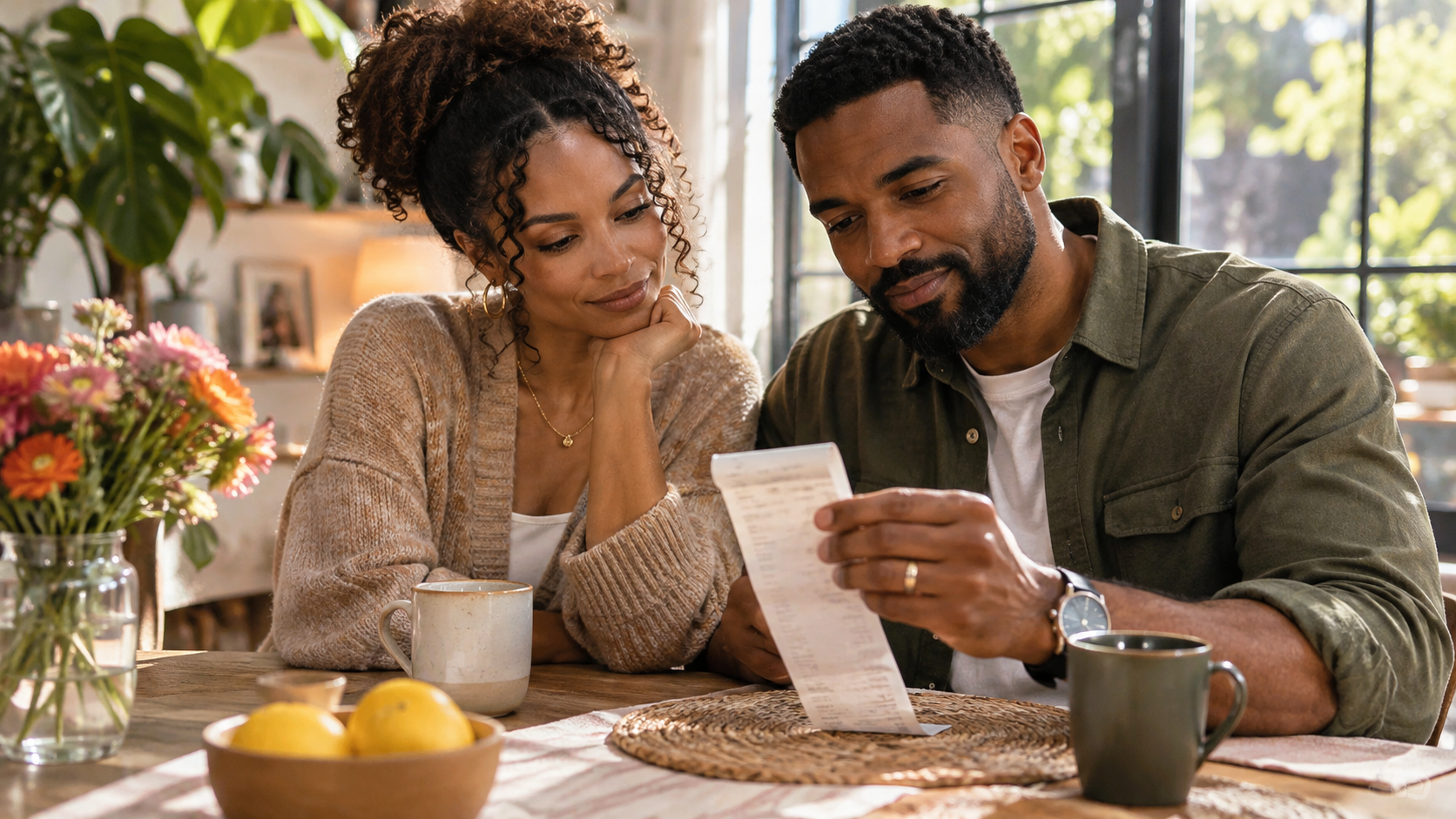
- Compare the date, amount, merchant, offer and current status with your receipts or confirmations.
- Ask whether an authorized household member completed the activity.
- Check whether the merchant or payment processor uses a different billing name.
Protect your Shopr account
If the activity is still unfamiliar, secure the email account and mobile number connected with Shopr, review your account details and do not approve unexpected sign-in or verification requests.
Contact the right provider
Report the activity through the support option in the Shopr app or email [email protected]. Include the date, amount and merchant shown, but never send a password, security code or full card number. If the activity also appears on a payment-card statement, contact the card issuer promptly using the number on the card or its official app.
Shopr tip
Open Shopr and your card issuer directly rather than following links in an unexpected message.
ACCOUNT-SPECIFIC HELP
Need help with your account?
Balances, offer status, transactions and membership details are available only in the Shopr Rewards app.
For personal help, use the support option available inside the app or email [email protected].
Before contacting support, have the relevant offer, merchant, transaction date, amount and order confirmation available. Never send your password, security code or full payment-card details.