
HELP & HOW-TO
How do I navigate the Shopr app?
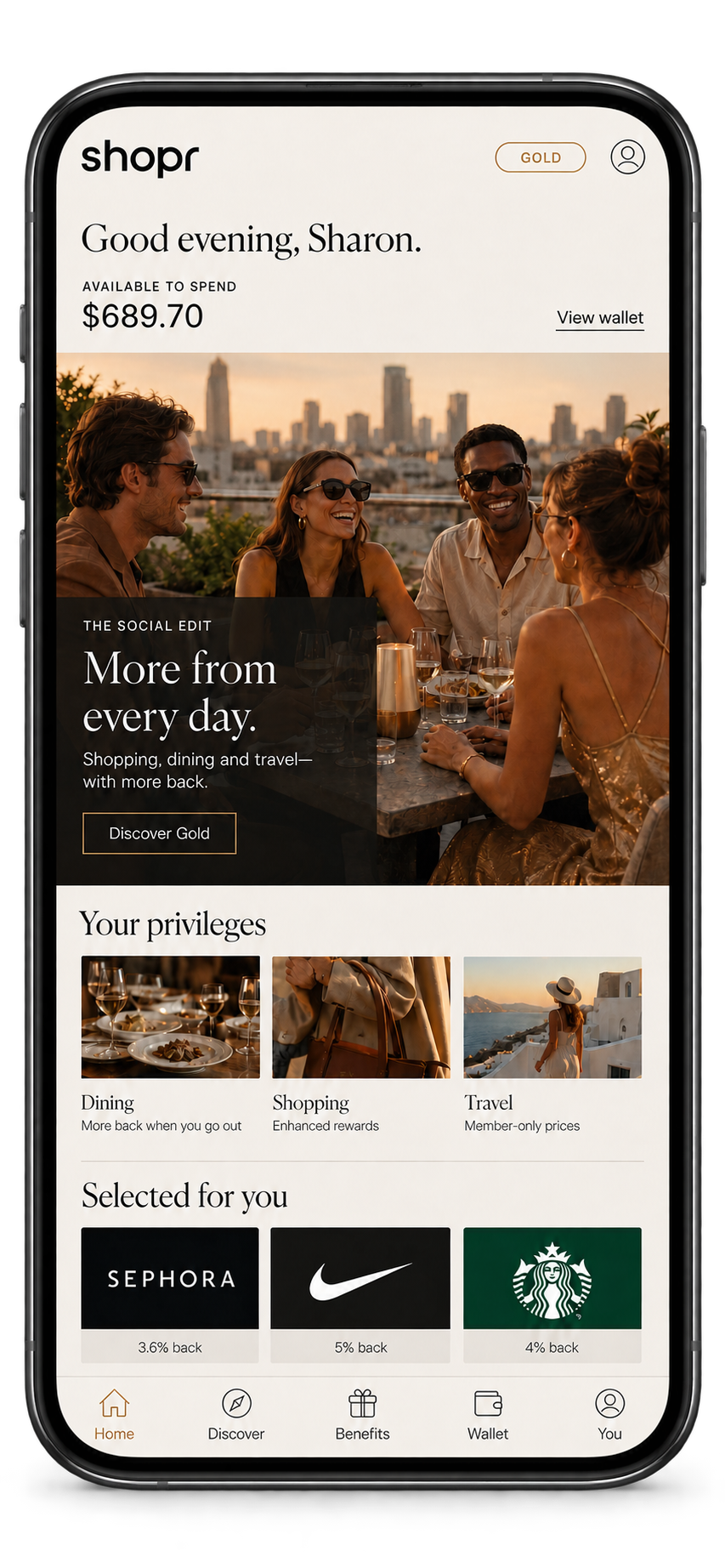
Find the main Shopr app areas for discovering offers, reviewing benefits, checking value and managing your account.
APP TOUR
Your Shopr experience, organized around what you can do.
The navigation labels and available features can vary by membership and app version, but the main areas keep rewards, benefits and account information within easy reach.
KEY AREAS
Find your way around
Home and Discover
Start with highlights selected for you, then explore available brands, offers and ways to earn.
Benefits
Review the features and opportunities available with your current Shopr membership.
Wallet and You
Use these areas to review available value, activity and the account options provided in your app.
ACCOUNT-SPECIFIC HELP
Need help with your account?
Balances, offer status, transactions and membership details are available only in the Shopr Rewards app.
For personal help, use the support option available inside the app or email [email protected].
Before contacting support, have the relevant offer, merchant, transaction date, amount and order confirmation available. Never send your password, security code or full payment-card details.