
HELP & HOW-TO
Where can I find my rewards and benefits?
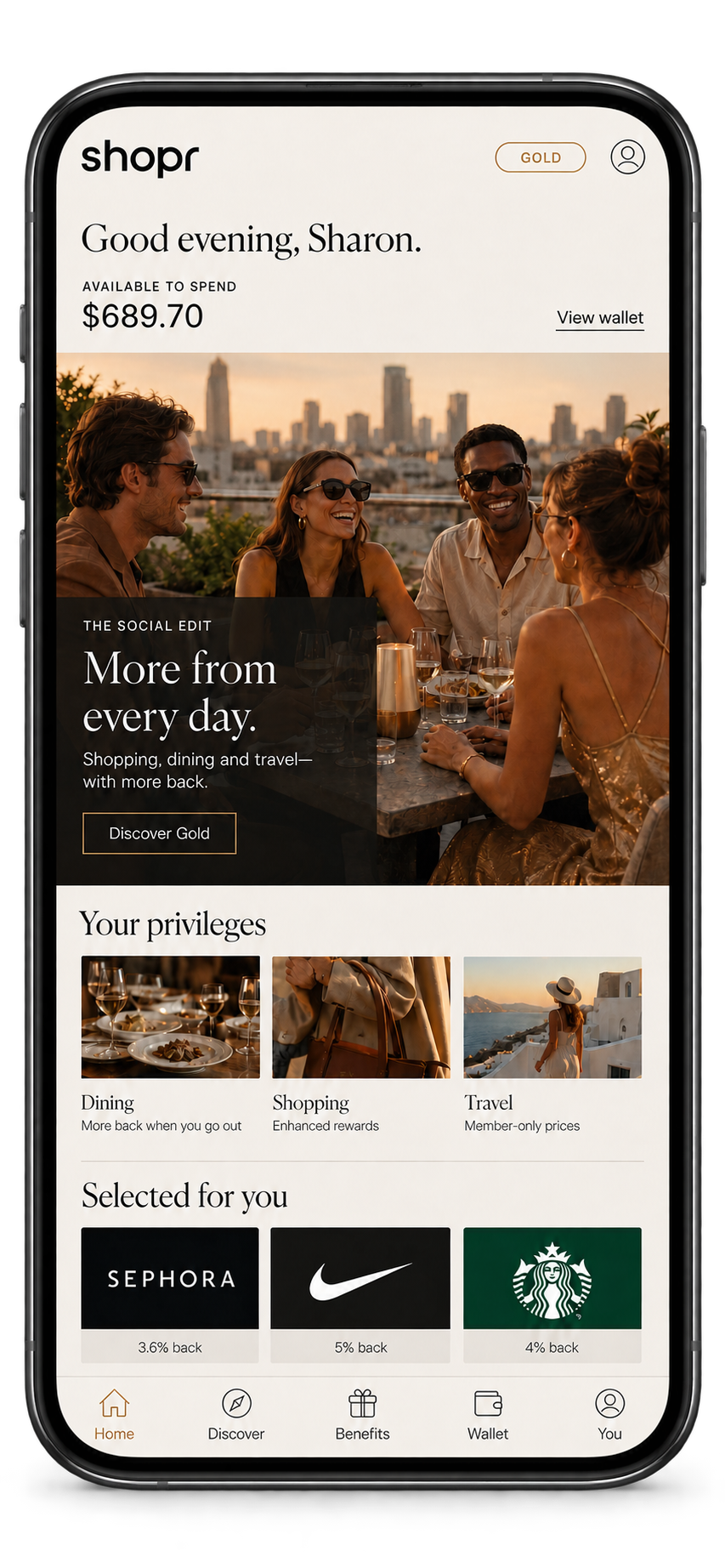
Use Benefits, Wallet and activity areas in the Shopr app to find the rewards and features available to your account.
YOUR SHOPR VALUE
Rewards and benefits stay connected to your account.
Use the Shopr Rewards app to review the value, features and activity available with your current membership.
WHERE TO LOOK
Check the area that matches your question
Benefits
See the features and opportunities currently associated with your Shopr membership.
Wallet
Review available value and the wallet items provided in your version of the app.
Activity or offer status
Return to the relevant offer or account area to follow eligible purchase and reward activity.
ACCOUNT-SPECIFIC HELP
Need help with your account?
Balances, offer status, transactions and membership details are available only in the Shopr Rewards app.
For personal help, use the support option available inside the app or email [email protected].
Before contacting support, have the relevant offer, merchant, transaction date, amount and order confirmation available. Never send your password, security code or full payment-card details.