
HELP & HOW-TO
How does Shopr work?
Shopr helps eligible everyday purchases create value based on the offer, purchase route and membership shown in the app.
THE SIMPLE VERSION
Everyday in.
More value out.
Explore an eligible offer in the Shopr app, follow the purchase route shown, and let an everyday purchase become something more.
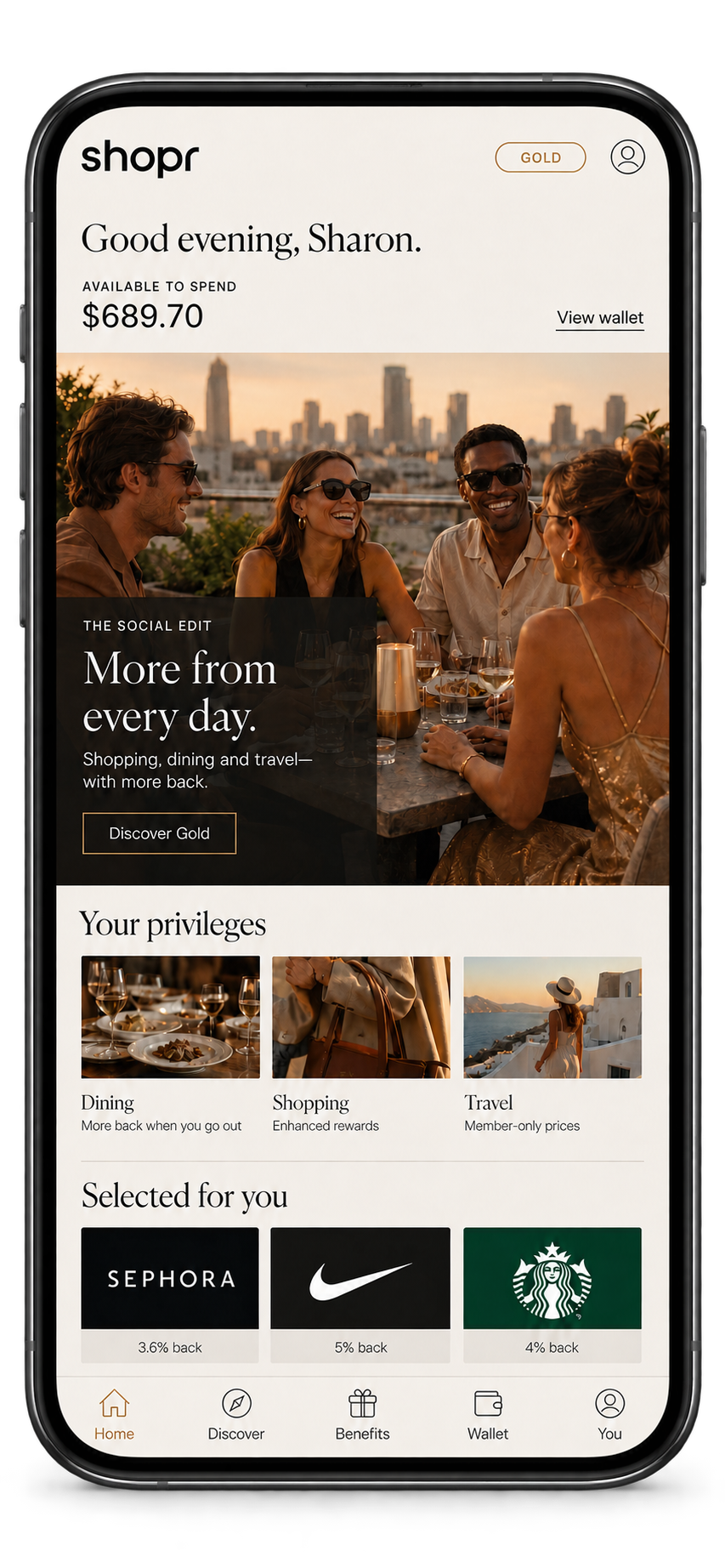
HOW IT WORKS
Find it. Follow it. Enjoy it.
Each offer can work differently. The app shows the route, eligibility and terms that apply before you buy.

Explore what’s available
Open the Shopr app and browse the rewards, brands, travel and offers available with your membership.
Check the offer details
Review the dates, eligibility, exclusions, purchase method and any activation requirement before you shop.

Complete the eligible purchase
Use the purchase route or eligible connected card stated in the offer so the transaction can be recognized correctly.

Watch the value arrive
Return to the app to follow the activity and reward status. Timing varies by brand, purchase type and confirmation requirements.
ONE PURCHASE. MORE POSSIBILITY.
Value now.
Possibility later.
Depending on the offer and your membership, an eligible purchase may create more than one kind of value.
Instant Cash Back
Real value from qualifying purchases, shown in your Shopr experience.
Travel Credits
Value you can apply toward eligible travel bookings, subject to the offer and applicable terms.
WHAT HAPPENS NEXT
Tracking takes a little time.
Eligible activity appears after the required confirmation process. Timing can vary by brand, purchase type, merchant confirmation and any applicable return period.
If something still doesn’t look right, reopen the original offer and compare its terms with your purchase. For personal help, use support inside the Shopr app or email [email protected].
ACCOUNT-SPECIFIC HELP
Need help with your account?
Balances, offer status, transactions and membership details are available only in the Shopr Rewards app.
For personal help, use the support option available inside the app or email [email protected].
Before contacting support, have the relevant offer, merchant, transaction date, amount and order confirmation available. Never send your password, security code or full payment-card details.